
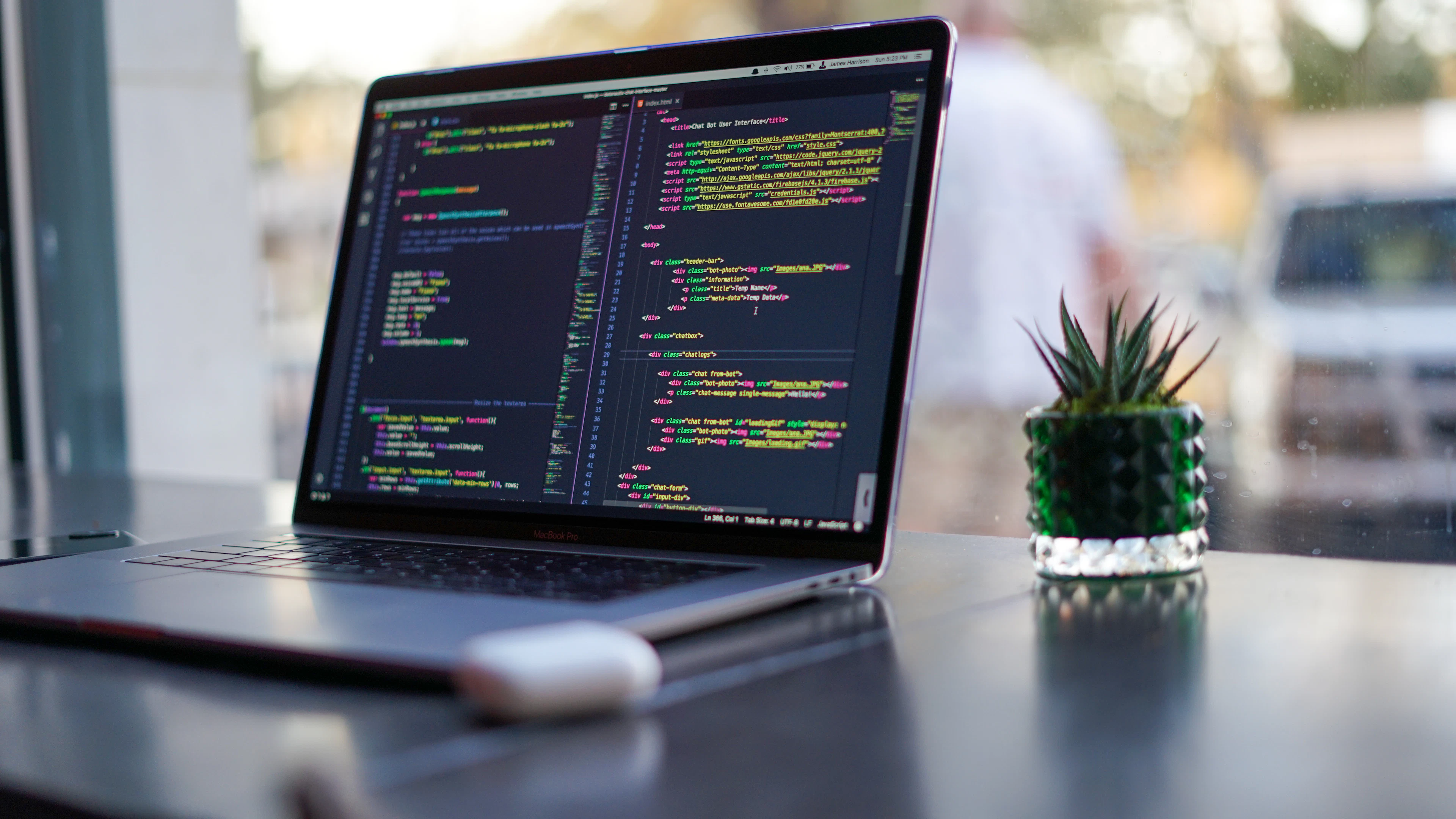
Desktop application development: fast, stable, offline-ready
Reliable Windows, macOS and Linux software for billing, inventory, point of sale and offline-first operations.
Desktop Application Development services by H&G NextGen
Some work is best done in dedicated desktop software: billing counters, inventory desks, manufacturing floors and any place where internet access is unreliable. We build desktop applications for Windows, macOS and Linux that are fast, stable and easy to learn.
Our desktop apps can work fully offline and sync with the cloud when a connection is available, so your operations never stop.
Billing & Invoicing Software
GST-ready billing, receipts, barcode scanning and thermal printing.
Inventory & Stock Management
Purchase, stock, warehouse and supplier management.
Point of Sale (POS) Systems
Fast retail and restaurant POS with hardware integration.
Cross-Platform Desktop Apps
One application for Windows, macOS and Linux with Electron or Tauri.
Offline-First Sync
Work without internet and sync automatically with a central server.
Legacy Software Modernisation
Upgrade old desktop software to a modern, maintainable stack.
Everything you need. Nothing you don't.
- Windows, macOS and Linux support
- Offline mode with automatic cloud sync
- Printer, barcode scanner and hardware integration
- Local database with secure backups
- Auto-update and installer packages
- User roles and activity logs
- Reports and Excel / PDF exports
- Installation and staff training
Technologies we use
- Electron
- Tauri
- .NET / C#
- WPF
- Java
- Python
- SQLite
- PostgreSQL
From brief to launch, step by step
The proven pipeline behind every Desktop Application Development project we deliver.
- Step 1
Discover & Define
We map your goals, users and constraints into a clear scope, roadmap and fixed quote.
- Step 2
Design & Prototype
Wireframes and clickable prototypes you approve before a single line of code is written.
- Step 3
Build in Sprints
Clean, reviewed code shipped in short sprints, with a live demo at every milestone.
- Step 4
Test & Harden
Functional, device, performance and security testing. Bugs die here, not in production.
- Step 5
Deploy & Launch
A calm, zero-drama go-live on your cloud, server, Google Play or App Store, with full handover.
- Step 6
Support & Scale
Monitoring, updates and new features as your users and your business grow.
Desktop Application Development: questions, answered
Why choose a desktop application instead of a web application?
Desktop software works offline, can be faster for heavy daily use, and integrates directly with printers, scanners and other hardware. It is ideal for billing counters, factories and stores.
Can the desktop app sync data between multiple branches?
Yes. We build offline-first applications that store data locally and sync securely with a central cloud server across branches.
Will it work on older Windows computers?
We confirm your hardware and operating system during requirement analysis and build the application to run smoothly on it.
Do you provide installation and training?
Yes. We provide installers, set up the software on your systems and train your staff to use it.
Your Desktop Application Development project starts here.
Tell us what you want to build. Within one business day you'll get ideas, a timeline and a clear, fixed quote.